
Sign Up
Thank you for Submitting!
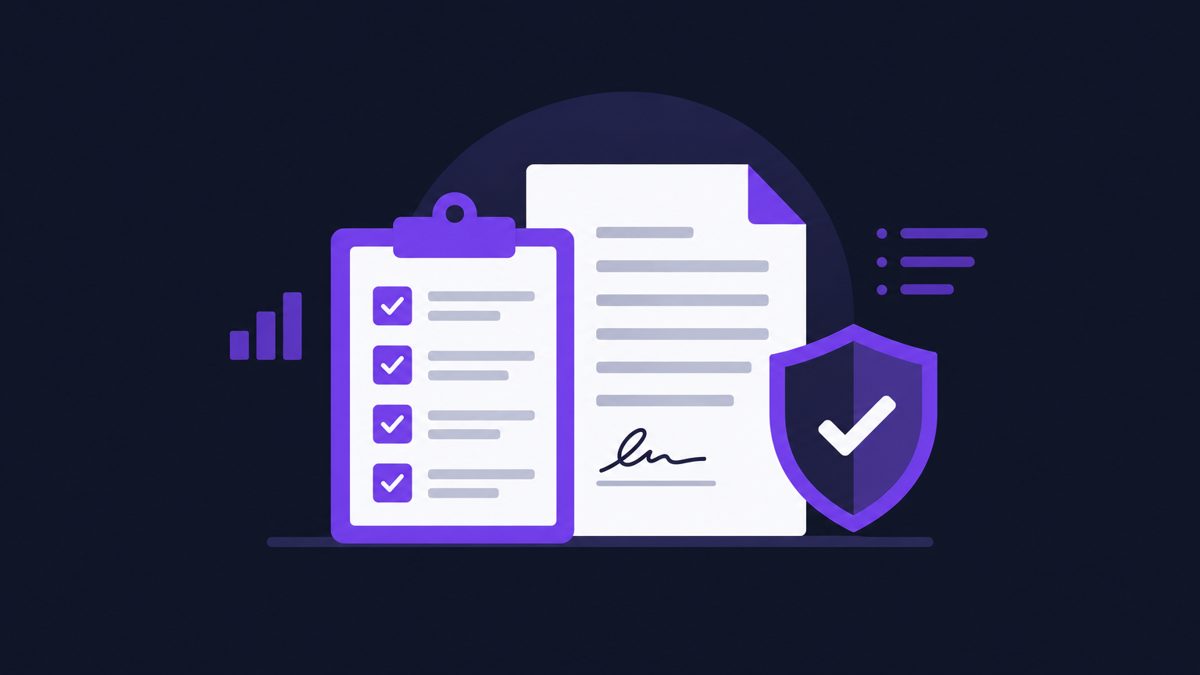
Microsoft 365 service credits are not automatic. If the November 12 outage affected your tenant, here's what to check before you file.
Downtime minutes ÷ monthly minutes, then compare with the credit tiers (reported: 25% below 99.9%, 50% below 99%, 100% below 95%).
For CSP non-Azure service-credit requests, Microsoft's published guidance generally requires submission within one month after the end of the billing month of the incident. For November 2026, that points to December 31, 2026. Other agreement types should be checked separately.
Update pending: we'll revise this post after Microsoft's final incident report.
CloudNuro's complimentary Microsoft 365 SLA Credit Recovery Assessment reviews your SLA commitments, your actual November 12 impact, potentially eligible credits and the supporting documentation you'd need. Eligibility and approval are determined by the vendor, no recovery is guaranteed, and this isn't legal advice.
Request a no cost, no obligation free assessment —just 15 minutes to savings!
Get StartedMicrosoft 365 service credits are not automatic. If the November 12 outage affected your tenant, here's what to check before you file.
Downtime minutes ÷ monthly minutes, then compare with the credit tiers (reported: 25% below 99.9%, 50% below 99%, 100% below 95%).
For CSP non-Azure service-credit requests, Microsoft's published guidance generally requires submission within one month after the end of the billing month of the incident. For November 2026, that points to December 31, 2026. Other agreement types should be checked separately.
Update pending: we'll revise this post after Microsoft's final incident report.
CloudNuro's complimentary Microsoft 365 SLA Credit Recovery Assessment reviews your SLA commitments, your actual November 12 impact, potentially eligible credits and the supporting documentation you'd need. Eligibility and approval are determined by the vendor, no recovery is guaranteed, and this isn't legal advice.
Request a no cost, no obligation free assessment - just 15 minutes to savings!
Get StartedWe're offering complimentary ServiceNow license assessments to only 25 enterprises this quarter who want to unlock immediate savings without disrupting operations.
Get Free AssessmentGet Started




CloudNuro Corp
1755 Park St. Suite 207
Naperville, IL 60563
Phone : +1-630-277-9470
Email: info@cloudnuro.com





Recognized Leader in SaaS Management Platforms by Info-Tech SoftwareReviews